
In short: Donor segmentation without a CRM starts with two groups: new donors and loyal donors. Welcome new donors and show what their gift did, and thank loyal donors and invite them closer. In WeGlow Mail you build the groups with lists, groups and tags, import them from a CSV file, or sync them from WeGlow.world, where donor segments are built for you.
Why one message does not fit every donor
New and loyal donors need different emails. A first-time donor wants to know what their gift did and whether you are trustworthy, while someone who has given for 5 years wants to be recognised. One email for both feels slightly wrong to each of them.
Imagine Harbour Dog Rescue sends the same appeal to everyone. Priya gave €20 last week and Tom has given every December since 2019. Priya reads "As you know, our shelter has been..." and wonders what she missed. Tom reads "Welcome to our family." and feels forgotten.
Segmentation means sending different versions to different groups. It sounds technical, but it can start with a spreadsheet.
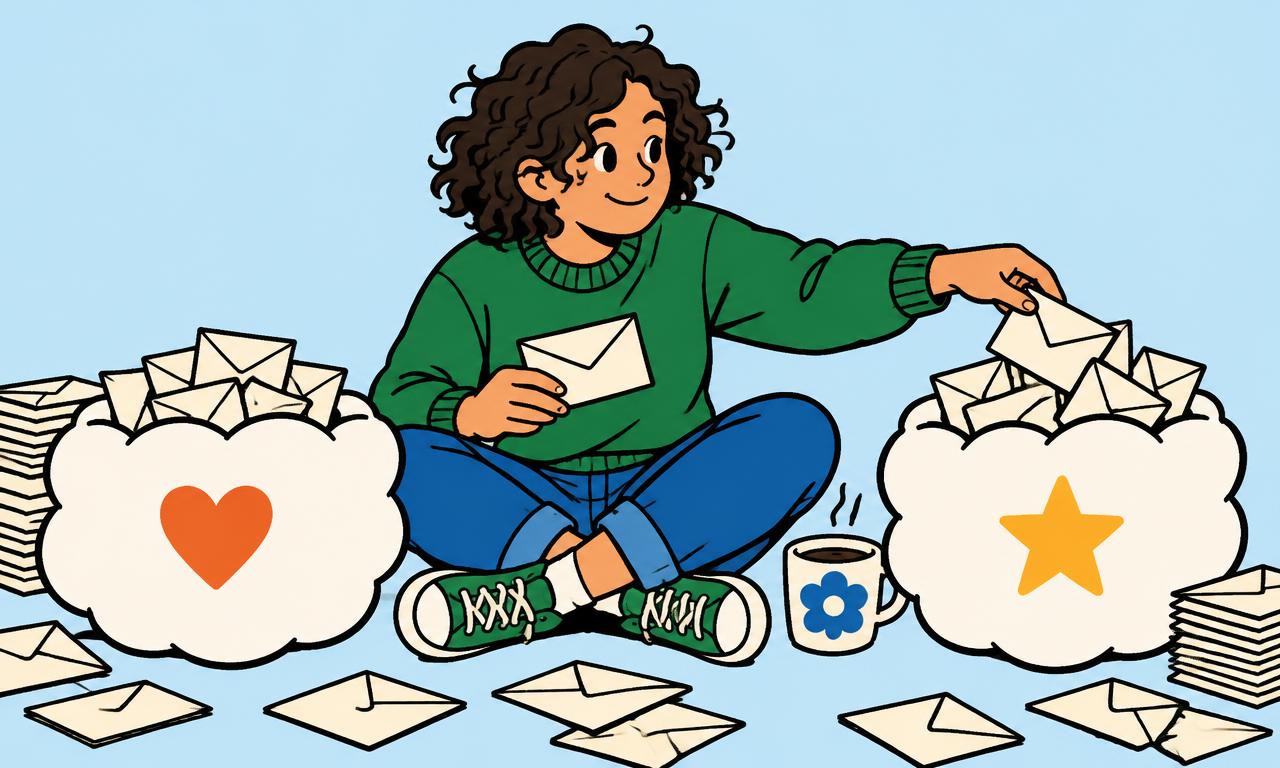
Start with two groups
Start with two groups: first-time donors and loyal donors. Define loyal in a way you can check, for example three or more gifts or giving in at least two different years. Two groups are enough to improve your emails, and you can add more later.
Write your rule in one line and stick to it. "Loyal: gave in at least two different years." "New: gave once, in the last 12 months." Everyone else stays on the general list.
Do not worry if the rule is not perfect. A simple rule you apply is better than a clever one you never finish.
Write the rule down where your whole team can find it. If a volunteer tags contacts differently every time, your groups stop meaning anything within a few months.
What to send to first-time donors
Send first-time donors a welcome and a result. Thank them within 2 days, show what their gift did, and tell them what to expect from you. Do not ask for a second gift too soon: wait a few weeks and ask for something small, such as reading a story.
A good first email says: thank you, here is what your €20 does, here is what we will send you and how often. A second email a week or two later can share a story. The welcome email template gives you a structure to copy.
WeGlow Mail has a welcome email automation for new contacts, so it can go out without you doing it by hand.
What to send to loyal donors
Send loyal donors recognition and the bigger picture. Thank them for staying, tell them how long they have supported you, invite them closer with a visit, a call or a behind-the-scenes update, and share what you plan for the future.
Loyal donors are not looking for a discount. They want to feel that they belong. Try "You have supported us since 2019, and here is what that added up to." Invite them to an open day or ask for their opinion in a reply.
Ask them for more only when you have a good reason, and be specific. A loyal supporter who feels used will quietly leave.
A small gesture goes a long way here: a personal line from the director, a short voice note turned into text, or a photo from the place their gifts helped build.
Build the groups with lists, tags and a CSV
In WeGlow Mail you build segments with lists, groups and tags. Add a tag such as "new-donor" or "loyal" to each contact, or import a CSV or Excel file where one column holds the group. The columns are recognised during import, so you do not map them one by one.
A practical route: export your donors from your spreadsheet or payment records into a CSV file with a column for the tag. Import it into WeGlow Mail, check the preview and finish. Then pick the tag when you choose who receives a campaign.
Keep your rule on a note next to the list, so a colleague can repeat it next year. Only email people who agreed to hear from you, or who have a relationship with you that the law accepts. The UK regulator's guidance on direct marketing explains the rules, and our GDPR guide for nonprofit newsletters covers them for the EU.
If you use WeGlow.world, the groups build themselves
If you raise money on WeGlow.world, WeGlow Mail syncs your donors into lists and offers donor segments, so you do not tag by hand. Thank-you emails after a donation can also be sent automatically, for donations made through WeGlow.world.
Both products are made by WeGlow.world in Belgium and work together. Donors are synced into lists, and the segments are ready to choose when you set up a campaign. An organisation can also move on to the full WeGlow.world platform with the same organisation.
This link only covers donations made through WeGlow.world. For gifts that arrive by bank transfer or another route, use the CSV route above.
You can mix both: let the sync handle online donors and import a CSV for people who give another way, so every supporter lands in one of your two groups.
A fictional example: two versions of one appeal
Harbour Dog Rescue sends one winter appeal in two versions. The new donor version opens: "Thank you for helping Bruno in October. Your €20 bought a heated bed." The loyal donor version opens: "Tom, you have helped us every winter since 2019. This year we want to heat the whole kennel."
The body and the button are the same. Only the first two sentences change, which takes five minutes. See the monthly newsletter template if you want a base to adapt.
Keep it small and check the results
After each send, look at opens, clicks and unsubscribes for each group in your reports. If loyal donors click more on the personal version, keep going. If a group unsubscribes, change the message.
Do not add ten segments at once. Two groups, one rule and a note on how you tag them is a solid start. You can build it with a free WeGlow Mail account, with every feature for up to 250 subscribers.
Same appeal, two groups
First-time donor: "Thank you for your first gift. Here is what it did."
Loyal donor: "Five years with us. Would you help again this winter?"
Frequently asked questions
How do I segment donors without a CRM?
Use a spreadsheet with one column that says which group each donor belongs to, such as new or loyal, then import it. WeGlow Mail reads CSV and Excel files, recognises the columns and lets you use lists, groups and tags to choose who gets each email.
What is the difference between a new donor and a loyal donor?
A new donor has given once or recently, and a loyal donor has given repeatedly over time. You decide the exact rule, for example gifts in at least two different years. Once you have the rule, you can tag contacts in WeGlow Mail and write each group a different email.
How should I thank a first-time donor?
Thank them within 2 days, say what their gift does and tell them what you will send next. Do not ask for another gift straight away. WeGlow Mail has a welcome email for new contacts, and a thank-you automation for donations made through WeGlow.world.
Can WeGlow Mail sort donors into groups automatically?
Yes, when you are connected to WeGlow.world. Donors are synced into lists and donor segments are available, so you do not tag by hand. For donors outside WeGlow.world, you can import a CSV file and use tags.
How many donor segments do I need?
Two is enough to start: new donors and loyal donors. Add more only when you have a message that would really differ for that group. In WeGlow Mail you can add tags at any time without rebuilding your lists.
Ready to send your next newsletter?
Start free